
TL;DR
- MiniMax released open weights for H3-Base on Hugging Face, under the MiniMax Community License — free for most individual and small-commercial use, with conditions (below).
- The open build runs locally at 768p. The full 2K output requires MiniMax's hosted API (
H3-Regenerate-2K) — the open weights alone don't produce the flagship resolution. - An official ComfyUI-optimized build shrinks the footprint from 123.6GB to ~42.5GB, making it runnable on a single RTX 3060–4090.
- Native audio, hand/object consistency, and sports physics are not fully reliable yet in real testing — see the ComfyUI guide for actual test data before planning production use.
- License has real limits: commercial use capped at $20M revenue, and local deployment is excluded in the US, EU, UK, and South Korea.
What's Actually Open
The Weights
- MiniMaxAI/MiniMax-H3 — the raw, full-precision release from MiniMax.
- Comfy-Org/MiniMax-H3 — repackaged and optimized for ComfyUI: ~40% of the model's modulation weights pruned into a lookup table, plus int8 quantization. Cuts the footprint from 123.6GB to about 42.5GB with no reported loss in output quality.
- Community GGUF conversions also exist for lower-VRAM setups — see the GGUF guide.
What's Not Open
The weights give you H3-Base, which generates at 768p. The jump to the model's headline 2K output goes through H3-Regenerate-2K — an in-context regeneration pass that currently only runs on MiniMax's hosted infrastructure. Running the open weights locally does not, by itself, get you 2K.
What You Give Up Running It Locally
Open weights mean control and zero API cost — but three real tradeoffs against the hosted 2K version:
- Resolution. 768p locally vs 2K (1440p-class) hosted, unless you route through the paid API for the final regeneration pass.
- Setup and maintenance. Quantization choices, VRAM offloading, ComfyUI node versions, and model directory layout are your responsibility. Full steps: MiniMax H3 in ComfyUI.
- Output reliability. In our own 50-clip test run on a local RTX 4090, native audio and dialogue frequently degraded into repeated syllables or unrelated speech, and sports/object physics weren't consistently correct. This isn't unique to local deployment — it's a model-level limitation — but it matters more when you're the one validating every clip yourself. Full breakdown: Real Output Quality.
If none of that is a tradeoff you want to manage, the hosted 2K version skips all three.
License and Where You Can Use It
MiniMax H3 ships under the MiniMax Community License. The short version:
- Commercial use is allowed for organizations under $20M in annual revenue.
- The license excludes local deployment in the United States, European Union, United Kingdom, and South Korea — MiniMax has cited shifting generative-video regulation and active copyright litigation as the reason.
- Outputs or the model itself cannot be used to train or fine-tune another AI model (no AI distillation).
This section is a summary, not legal advice. Full terms and what they mean in practice: MiniMax H3 License & Restrictions. Note that these restrictions apply to local deployment of the open weights — using MiniMax H3 through the hosted product is a separate arrangement covered by the product's own terms, not the Community License.
Choose Your Path
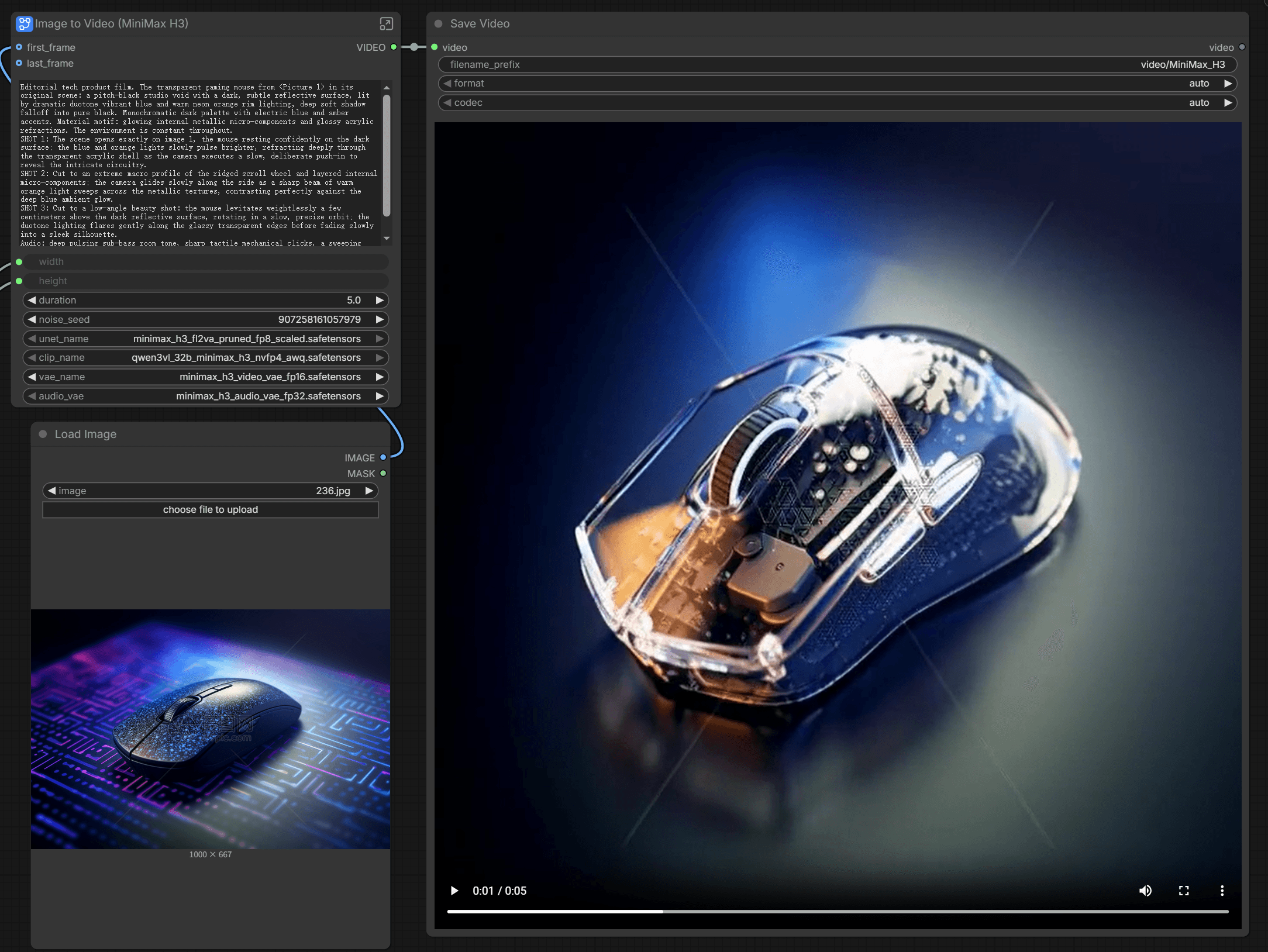
Official Day-0 workflows (T2V/I2V/R2V), VRAM from RTX 3060 to 4090, and real tested output quality.

Quantization levels, which GGUF variant fits 8GB–12GB cards, and the quality tradeoffs of going smaller.
Community License terms, the $20M commercial cap, and what the US/EU/UK/Korea exclusion means.

GPU + time + your own QA versus the hosted 2K version — pick the path that fits the workload.
FAQ
Is MiniMax H3 fully open source?
The weights for H3-Base are open under the MiniMax Community License, with commercial and regional restrictions. The 2K regeneration pass (H3-Regenerate-2K) is not open — it runs only through MiniMax's hosted API.
Can I run MiniMax H3 for free?
Yes, locally, if you have compatible hardware (an RTX 3060 or better with the optimized ComfyUI build) and your use falls within the Community License. There's no API fee for local generation, but you're responsible for the GPU, setup, and output validation.
What's the difference between the Hugging Face weights and the ComfyUI build?
MiniMaxAI/MiniMax-H3 is the raw release. Comfy-Org/MiniMax-H3 is a repackaged, pruned, int8-quantized version built specifically to run on consumer GPUs inside ComfyUI. See ComfyUI setup for both paths.
Why are the US, EU, UK, and South Korea excluded?
MiniMax's Community License excludes local deployment in those regions, citing generative-video regulation and active copyright litigation. This affects local/open-weight use — it does not affect using the hosted MiniMax H3 product in those regions. Details: License & Restrictions.
Do the open weights produce the same quality as the hosted 2K version?
Not by default — open weights alone cap out at 768p. Reaching 2K requires the hosted regeneration pass. Output reliability (audio, physics, hands/text) was also inconsistent in our own testing regardless of resolution. See Real Output Quality.
Don't Want to Manage Any of This?
MiniMax H3 online runs the full 2K pipeline in your browser — no GPU, no quantization decisions, no license research. Free starter credits to try it.