MiniMax H3 LogoMiniMax H3

Capability Spec Sheet

MiniMax H3 Features — 2K Video Modes and Inputs

Explore the MiniMax H3 workflows that shape a shot: text-to-video, image-to-video, first-and-last-frame, subject-reference input, and prompt direction for 2K output.

Open the Generator

Headline limits

Output
Up to 2K video
Modes
Four generation modes
Inputs
Text, image, frames, face
Workflow
Browser preview & download

Spec Table

Full capability table

Generation modes, accepted inputs, 2K output, and optional draft models—at a glance.
Generation modesText to Video · Image to Video · First & Last Frame · Subject Reference
Primary outputUp to 2K AI video (MP4)
Text inputNatural-language scene, motion, lighting, and camera direction
Image inputsStarting image, first/last frames, or subject-reference face (jpeg, png, webp)
WorkflowChoose mode → write prompt → generate → preview & download in browser
Optional draft modelsSeedance 2.0 Mini / Fast for cheaper, faster prompt experiments
Aspect ratiosSelected in the generator before render
Camera controlPrompt-level pan, push-in, static framing, orbit, and similar moves
Output formatMP4, browser preview before download

Capability Index

Features grouped by what they do

Modes, inputs, direction, and production workflow—so you can match MiniMax H3 to the control your brief needs.

Generation & Output

  • Four directed generation modes

    Start from text, a still, a frame pair, or a subject face—then render up to 2K in the browser.

  • Up to 2K video output

    Generate creative clips at up to 2K for concepts, ads, and social drafts.

  • Optional Seedance 2.0 Mini / Fast

    Use cheaper draft models to explore composition, then move to MiniMax H3 for directed 2K output.

Inputs & Consistency

  • Text-to-video briefs

    Describe subject, setting, action, lighting, and camera when you have no locked artwork.

  • Image-to-video starting plates

    Animate a still while keeping product, portrait, or key-art look under prompt control.

  • Subject-reference face lock

    Hold a recognizable face across pose, wardrobe, and environment changes in the prompt.

Motion & Camera

  • First-and-last-frame transitions

    Bridge two known endpoints for reveals, before-and-after beats, and controlled transformations.

  • Prompt-level camera language

    Call out pan, push-in, static framing, or orbit so the shot stays readable instead of random.

  • Focused motion direction

    Name what should stay stable and what should move—cloth, light, weather, or camera travel.

Production Tools

  • Browser generate → preview → download

    No desktop install. Review the clip online, then export MP4 for editing or publishing.

  • Iterate one variable at a time

    Tighten prompt, swap a plate, or change camera language and re-render to isolate what improved.

  • Credit-visible submits

    Duration, resolution, and model choice show credit cost before you generate.

Three Specs in Action

Key capabilities on screen

Three MiniMax H3 workflows shown in generated clips—so each mode feels concrete, not abstract.
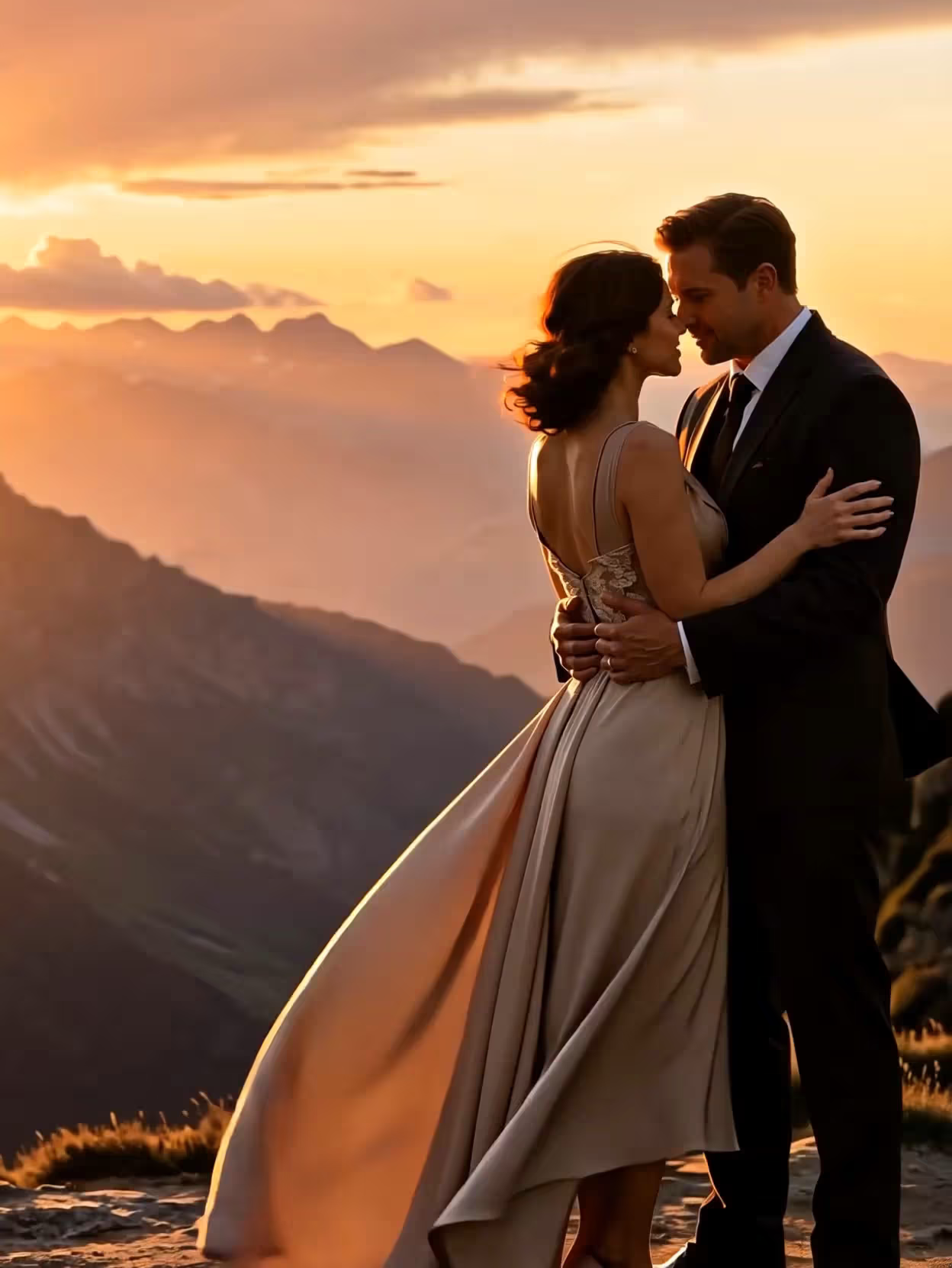
Subject reference for a stable face — MiniMax H3 spec demonstration

Subject reference for a stable face

Upload one clear face plate, then write pose, wardrobe, and setting in the prompt. MiniMax H3 keeps the subject recognizable while the scene and camera move around them—ideal for character-led concepts and campaign variants.

Test This Spec
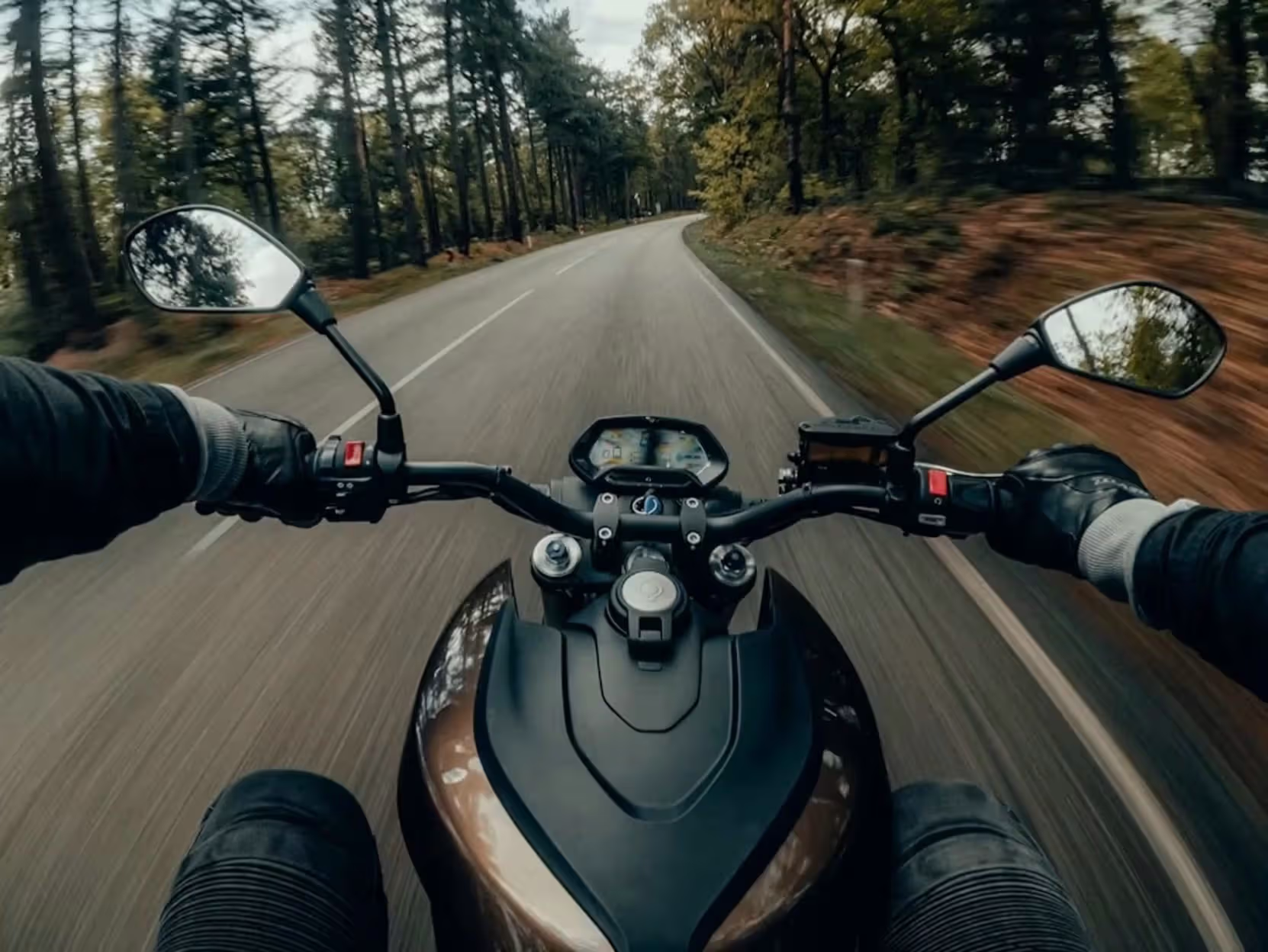
Prompt-level camera language — MiniMax H3 spec demonstration

Prompt-level camera language

Written camera instructions—slow push-in, static wide hold, gentle orbit—help MiniMax H3 commit to a readable shot instead of improvising competing moves. One primary camera idea per clip usually outperforms stacked adjectives.

Test This Spec
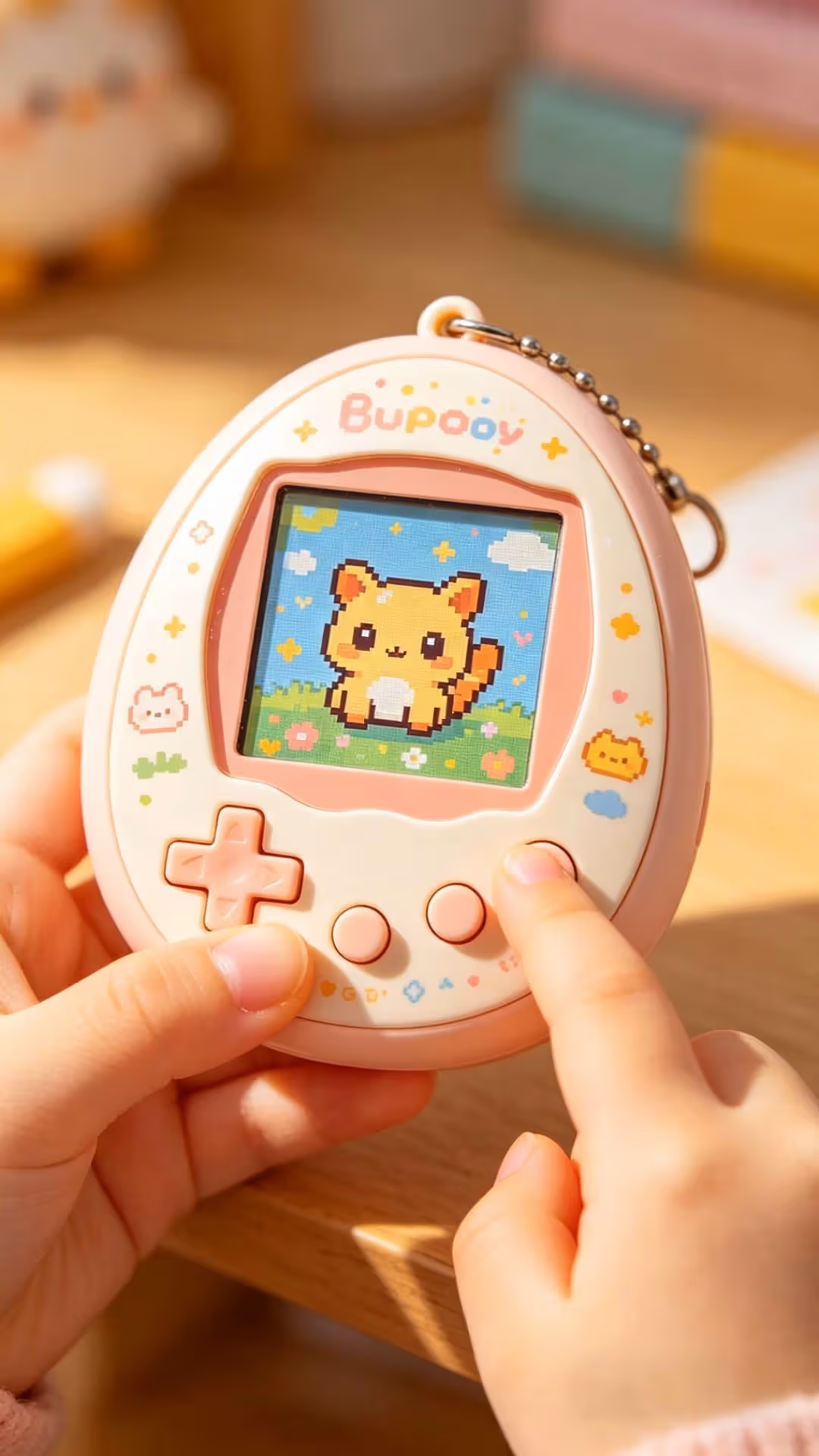
First-and-last-frame transitions — MiniMax H3 spec demonstration

First-and-last-frame transitions

Provide an opening image and a closing image, then describe how the change should happen. MiniMax H3 interpolates the bridge—useful for product reveals, day-to-night shifts, and before-and-after beats where endpoints matter.

Test This Spec

Quick Delta

MiniMax H3 vs optional draft models

SpecSeedance 2.0 Mini / FastMiniMax H3
Primary jobCheaper, faster draft explorationDirected 2K creative output
Text to videoSupportedSupported
Image to videoSupportedSupported
First & last frameLimited / workflow-dependentSupported
Subject referenceLimited / workflow-dependentSupported
Best used forPrompt experiments at lower costClearer control for finished concepts

Same-prompt context and workflow notes also live on the MiniMax H3 vs Seedance 2.0 comparison.

Use Cases

Which modes matter for your brief

Map MiniMax H3 inputs to real jobs—concept clips, product motion, controlled reveals, and character consistency.

Concept Clips from Text Alone

When you only have a written brief, Text to Video turns subject, setting, action, and camera into a 2K concept clip. Explore storyboard ideas before you lock stills or brand plates.

Test This Spec

Product & Key-Art Motion Passes

Image to Video starts from a campaign still. Keep logo and product look stable in the prompt while adding camera travel, light shift, or subtle environment motion for social and ad drafts.

Test This Spec

Controlled Reveals with Frame Pairs

First & Last Frame is built for known endpoints—closed pack to open pack, empty stage to hero pose, day plate to night plate—so the transition stays intentional instead of free improvisation.

Test This Spec

Character-Led Campaign Variants

Subject Reference holds a recognizable face while you change action or setting. Reuse one clean face plate across variants instead of re-describing identity from text alone each time.

Test This Spec

Tips

Work the modes harder

Pick the mode before you polish the prompt

Match control needs first—text only, one still, two frames, or a face plate—then write motion and camera around that input. Mode choice usually matters more than longer adjective lists.

Keep recurring subjects on a plate

For faces, products, or key art that must look the same twice, upload a clear image. Describe pose and environment in text rather than hoping a long prompt invents consistency.

Draft cheap, finish on MiniMax H3

Use Seedance 2.0 Mini or Fast for low-cost prompt experiments. Switch to MiniMax H3 when composition is locked and you want directed 2K output from the right generation mode.

Change one variable per re-roll

After the first render, adjust camera, action, or lighting alone so you can tell what improved. Overwriting the whole brief every time hides which instruction actually worked.

FAQ

Specs FAQ — modes, inputs & output

What inputs does MiniMax H3 accept?

Text prompts for scene, motion, lighting, and camera. Image inputs (jpeg, png, webp) for image-to-video starting plates, first-and-last-frame pairs, and subject-reference faces. Output is up to 2K AI video as MP4 after you choose settings in the generator.

What are the four generation modes?

Text to Video for written concepts, Image to Video to animate a still, First & Last Frame for controlled transitions between two images, and Subject Reference when a face or character must stay recognizable.

Does MiniMax H3 output 2K video?

Yes. MiniMax H3 is built for up to 2K creative video generated in the browser. Duration and resolution are selected in the generator before you submit, and the credit cost is shown up front.

When should I use Seedance 2.0 Mini or Fast?

Use Mini or Fast as optional cheaper draft models while you explore composition and prompt wording. Move to MiniMax H3 when you need clearer direction across text, image, frame-pair, or subject-reference workflows for a more finished 2K concept.

How do I keep a subject recognizable across variants?

Upload one clear subject-reference plate, keep wardrobe and identity instructions consistent, and change only the action or setting in the prompt. Avoid stacking many near-duplicate face crops in the same job.

Can I combine modes in one render?

Each job uses one generation mode. Pick the mode that matches your starting material, then put motion, camera, and atmosphere in the prompt. Switch modes between jobs when the brief needs a different kind of control.

Put the specs into a real render

Open the homepage generator and try MiniMax H3 yourself—text, image, frame-pair, or subject-reference into 2K video. Need credit-cap details first? Check free starter credits.

Start Creating