
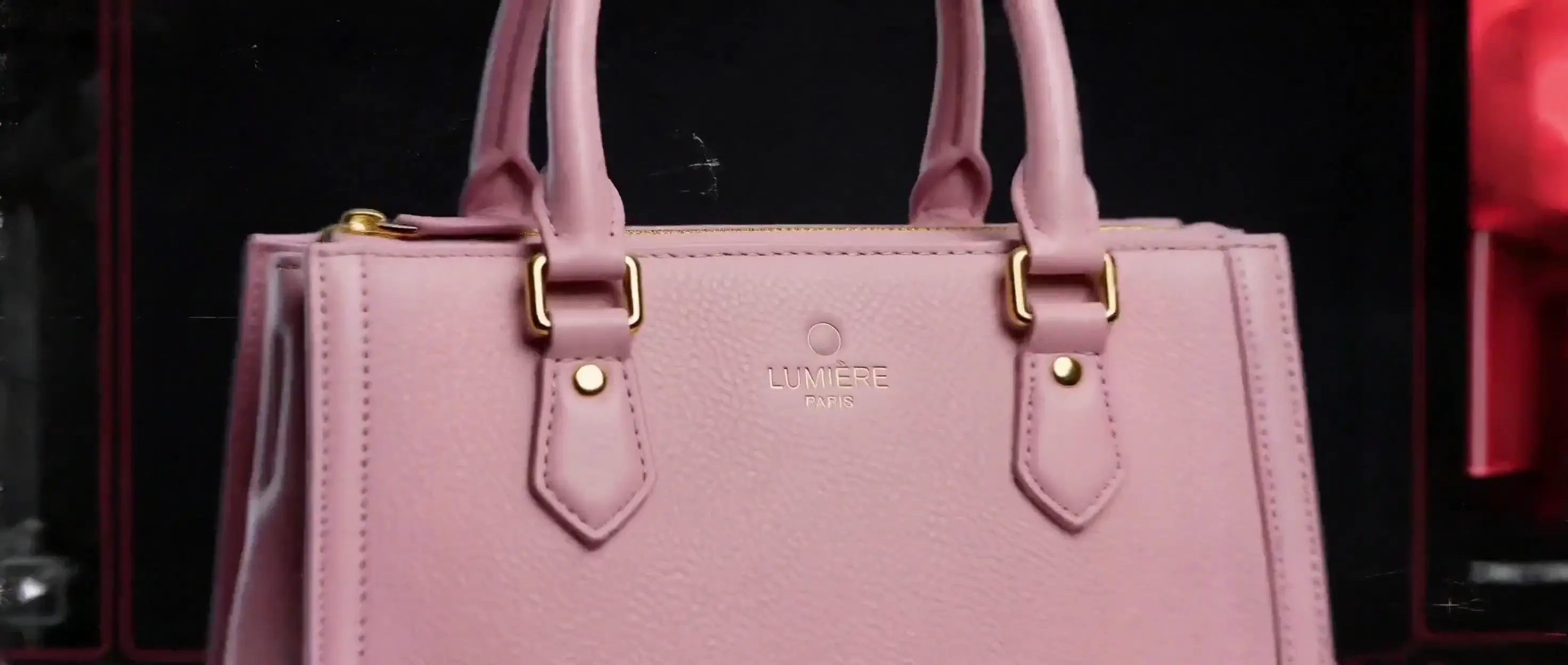
Audiovisual Generation
Video Generation with Native Audio
Add dialogue, music, ambience, or sound effects to your prompt and generate them with the picture as one audiovisual clip.
Explore MiniMax H3 video-to-video →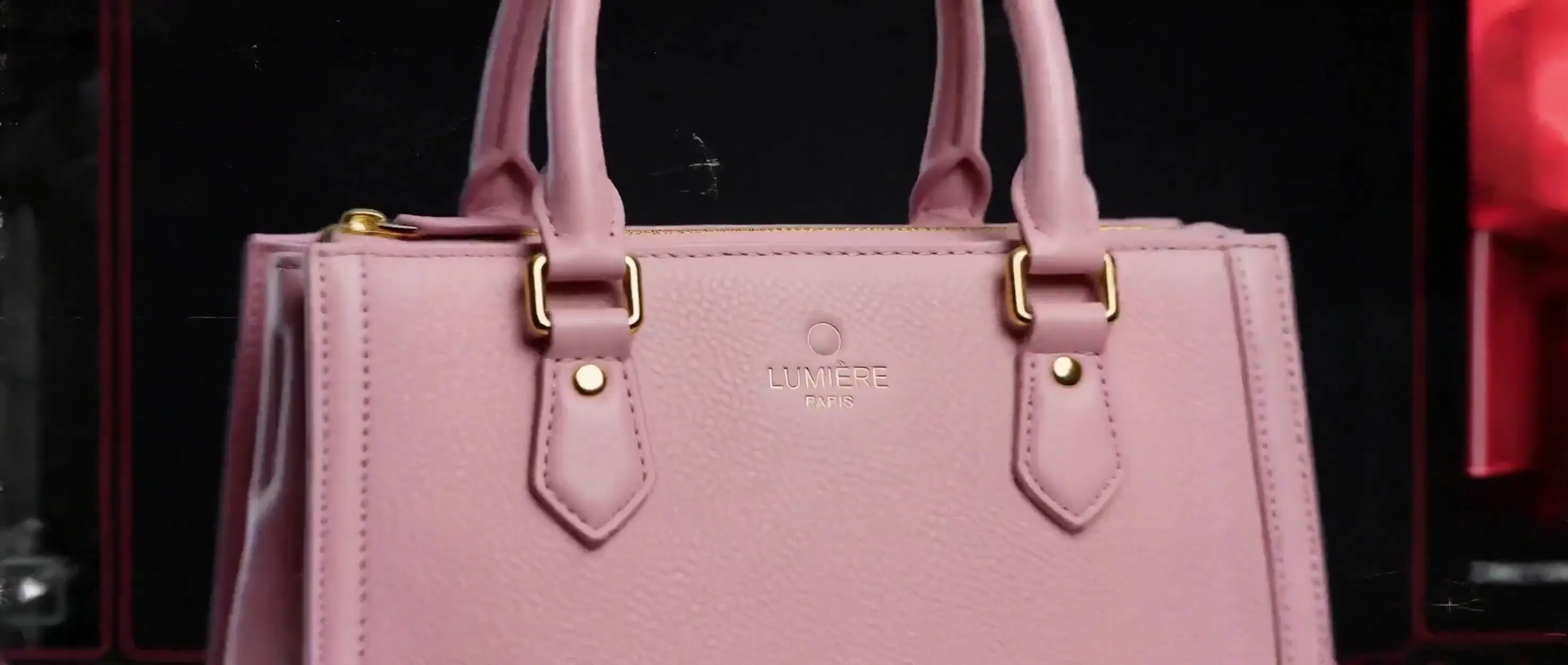
Create MiniMax H3 4–15 second 2K videos from text, images, video, and audio references. Direct characters, motion, camera, style, sound, and pacing in one prompt.
 MiniMax H316:95s2K
Sample Outputs
Explore 2K video samples spanning cinematic scenes, product motion, stylized characters, music visuals, and experimental camera work. Browse the prompt gallery for copy-ready ideas behind clips like these.
Core Capabilities
Move beyond isolated image animation. It combines audiovisual generation, reference-guided control, and instruction following in one 2K workflow. See every supported mode in Explore MiniMax H3 features.
Audiovisual Generation
Add dialogue, music, ambience, or sound effects to your prompt and generate them with the picture as one audiovisual clip.
Explore MiniMax H3 video-to-video →Text to Video
Write the subject, action, setting, and visual style you want to see. Choose a duration and aspect ratio, then generate a 4–15 second 2K video from scratch.
Create MiniMax H3 text-to-video →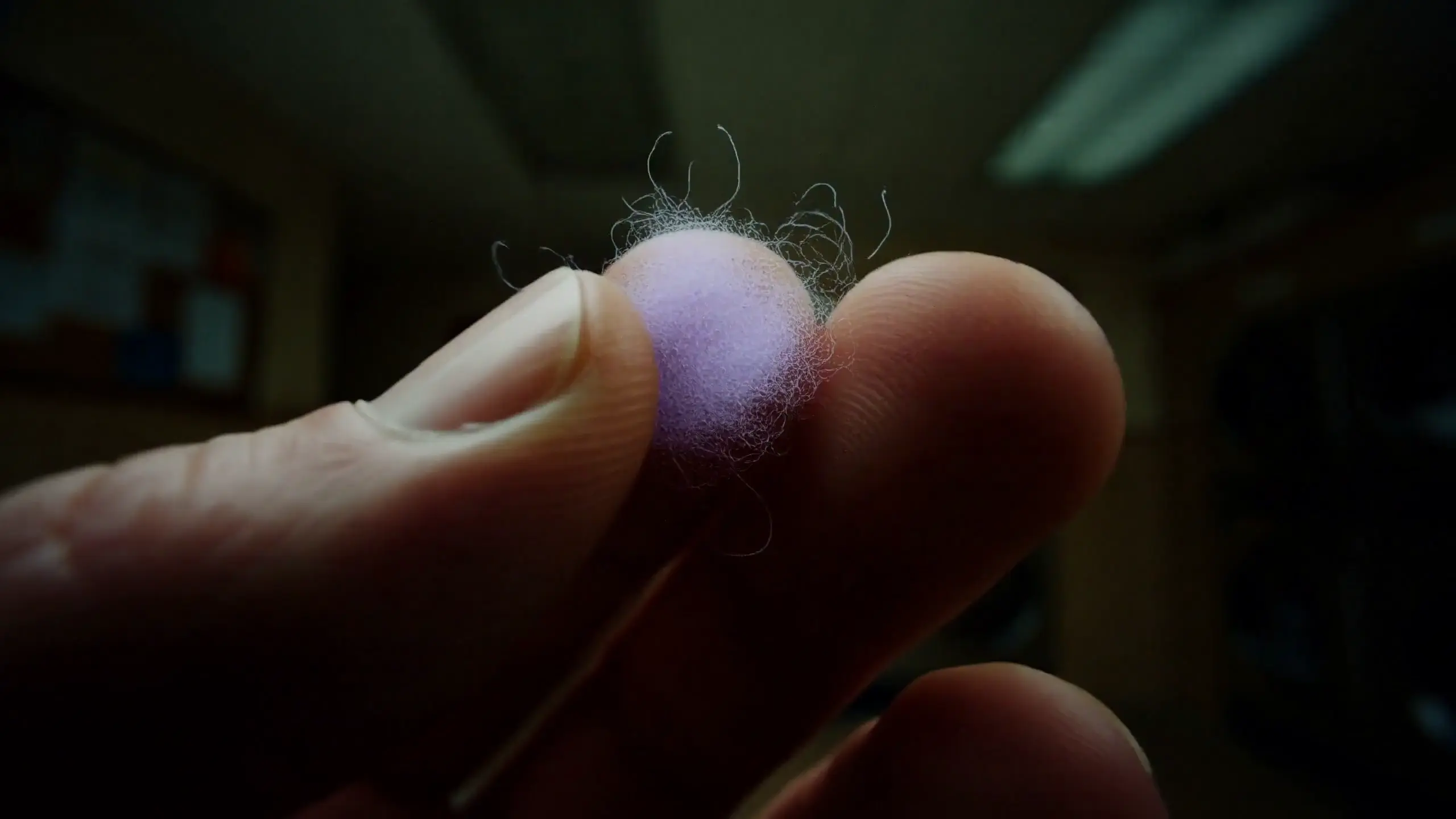
Frame-Guided Video
Upload a starting image, an ending image, or both to set the beginning and end of a shot. Use your prompt to define the transformation between them.
Create MiniMax H3 image-to-video →
Reference to Video
Combine up to 12 image, video, and audio files in one request to carry over the character, product, voice, or visual style you need.
Create MiniMax H3 reference-to-video →
Multimodal Editing
Choose an existing clip, then write the specific change you need—replace the setting, update the look, or adjust the subject—while keeping the rest of the idea intact.
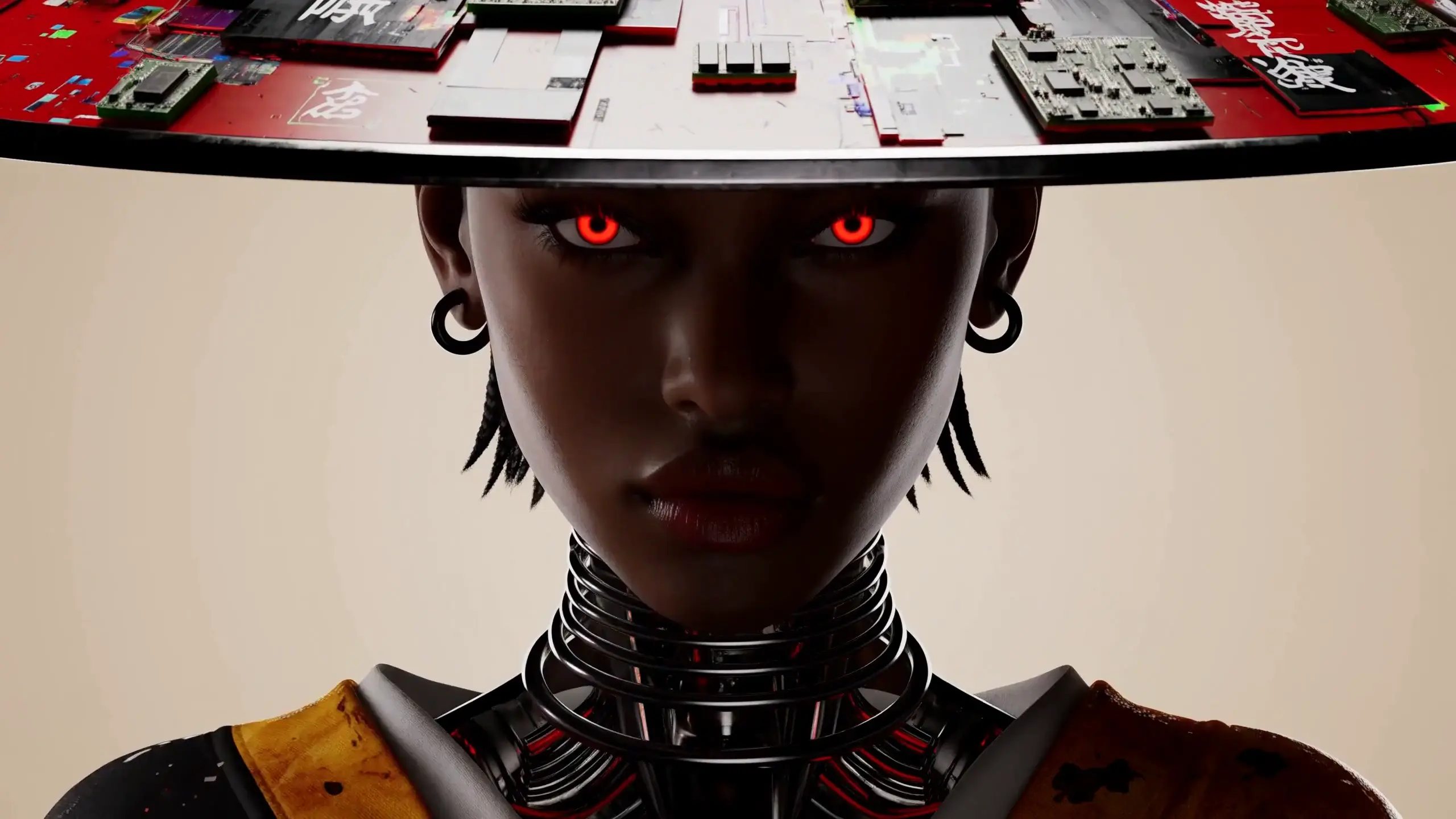
Multi-Shot and V2V
Upload a motion reference to guide the action, pacing, and camera path of a new scene without recreating the original subject or setting.
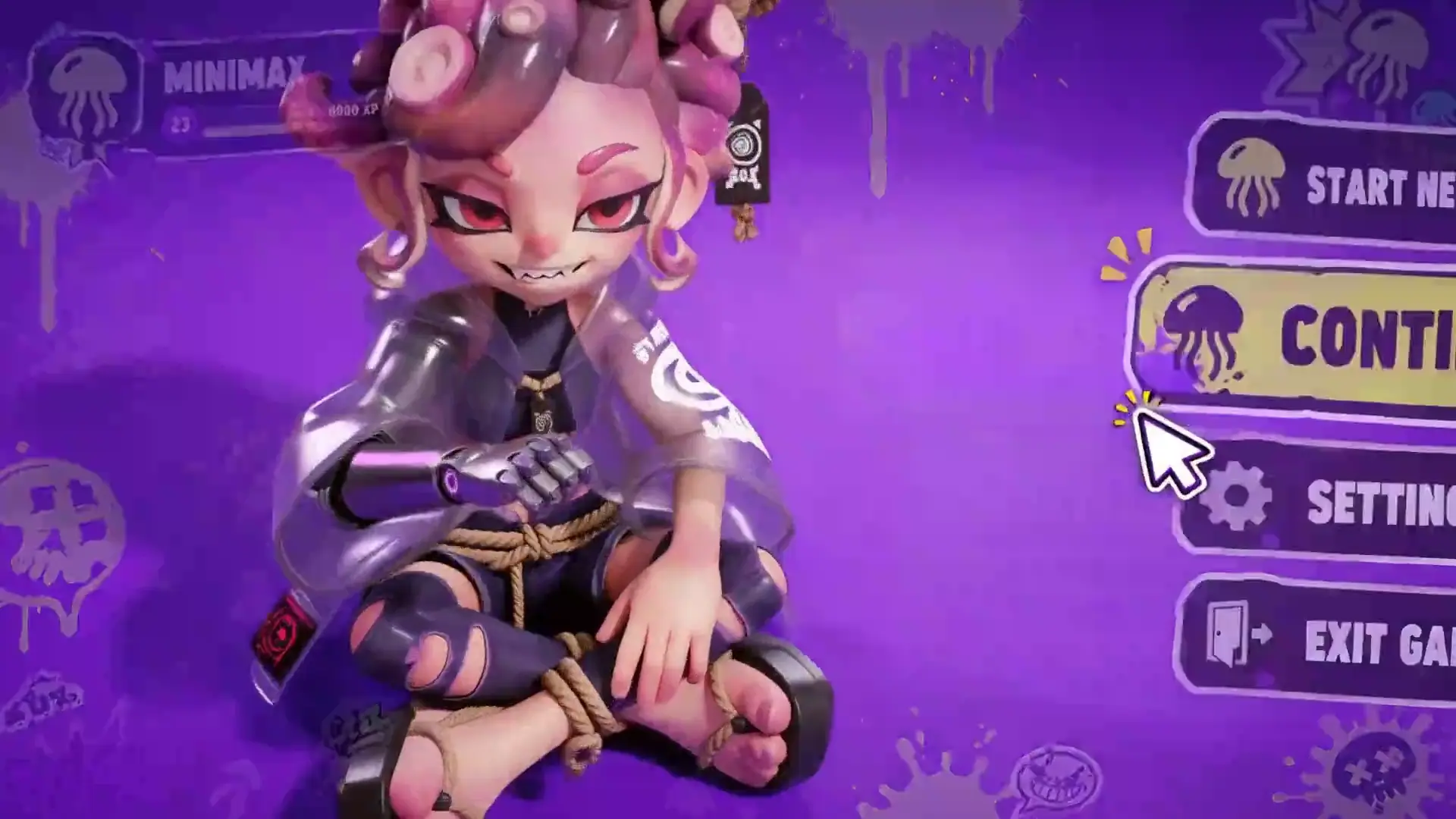
Production Use Cases
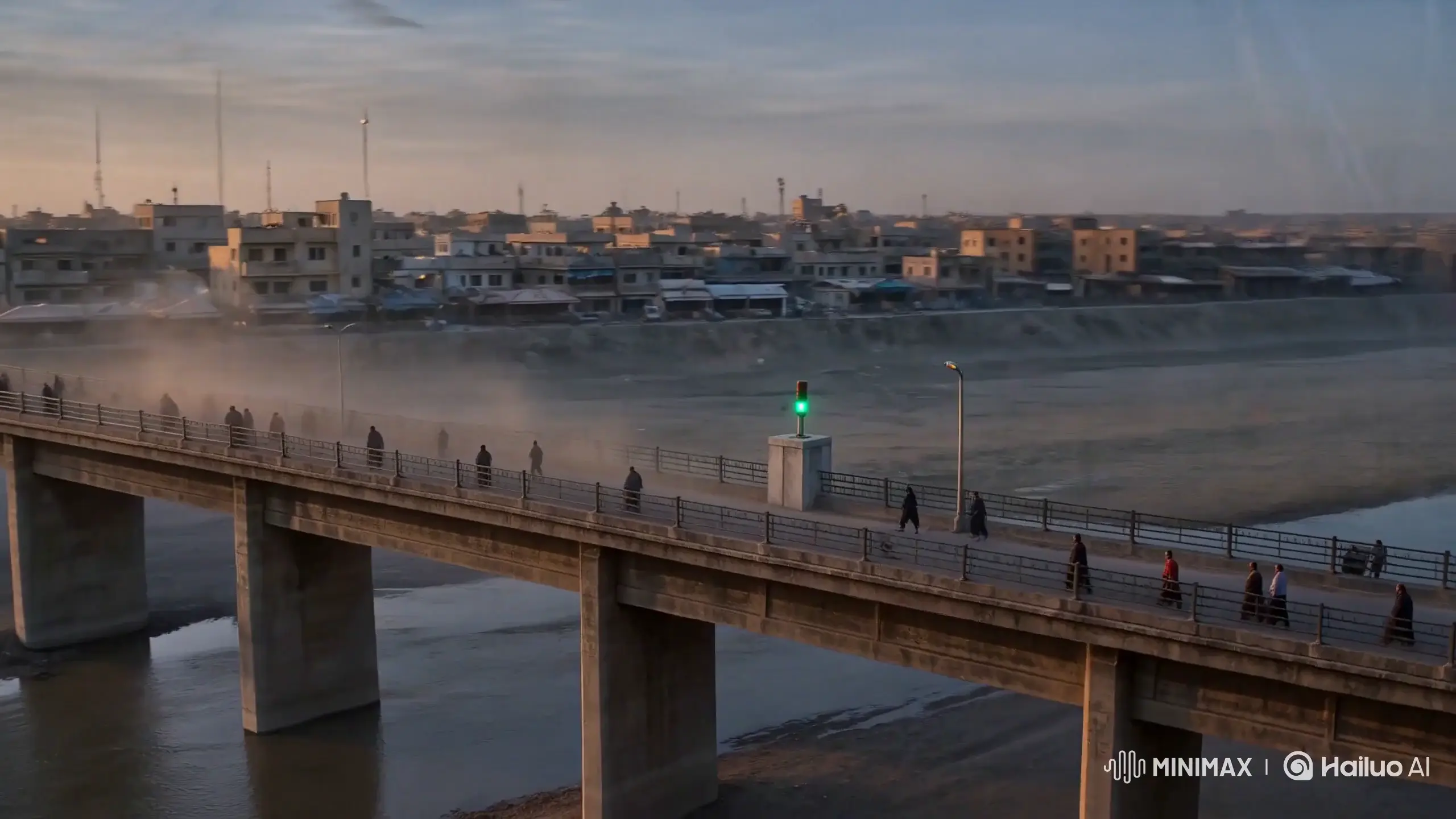
Develop establishing shots, character moments, camera moves, dialogue, ambience, and cinematic transitions before a production shoot.
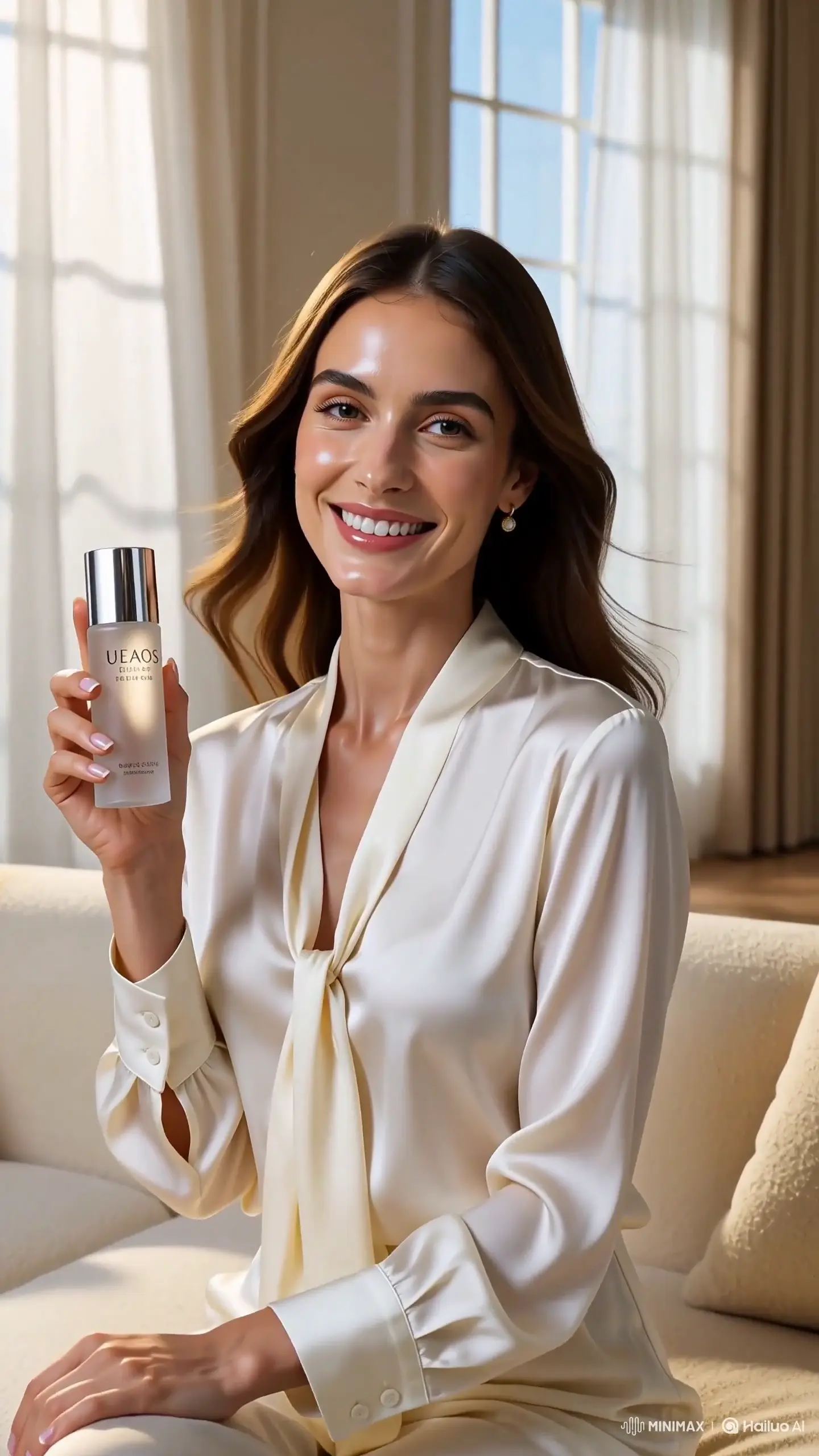
Combine product and talent references with a creator-style brief to make short social, e-commerce, and performance-marketing concepts.
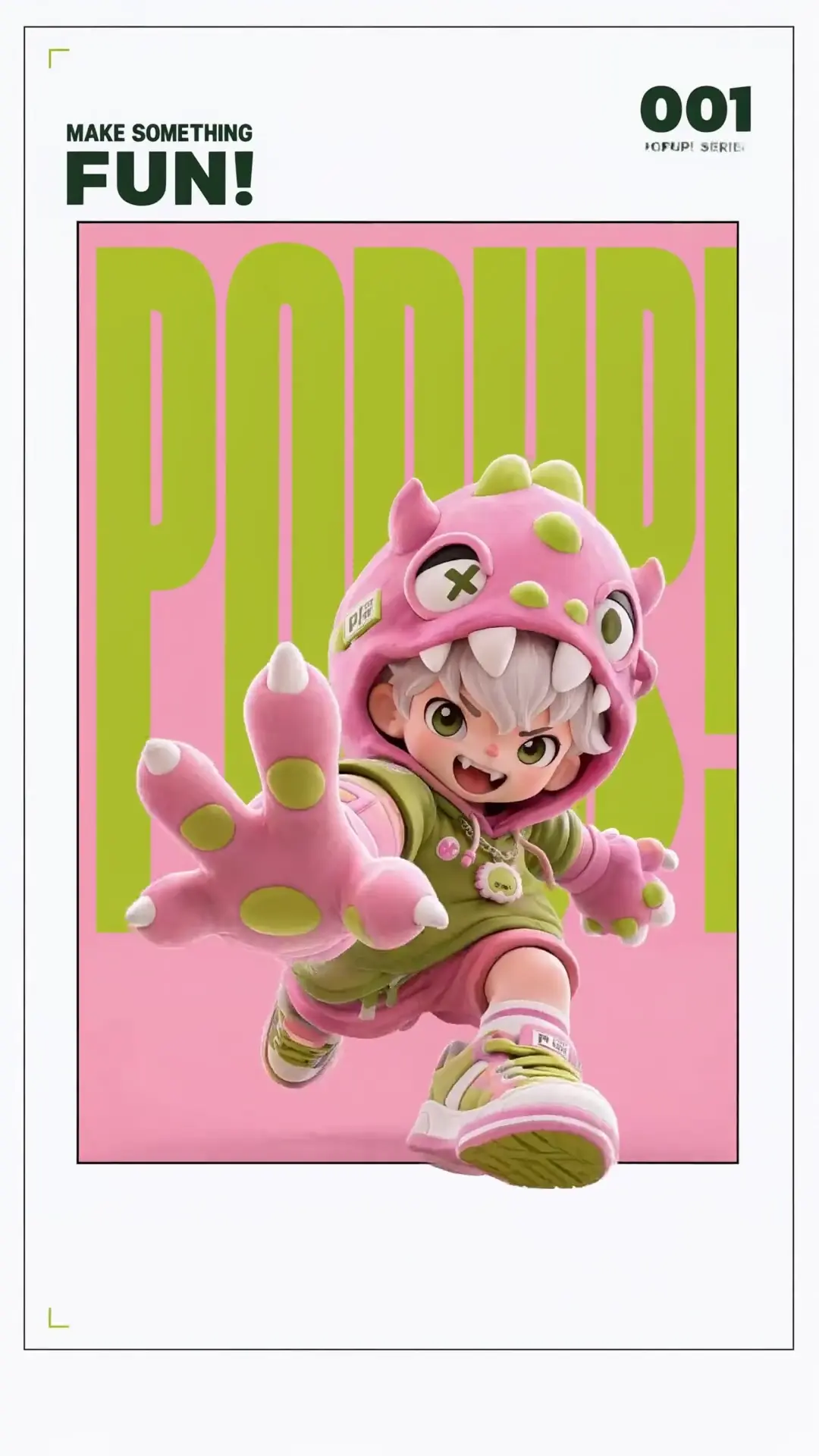
Bring campaign typography, key art, collectible characters, packaging, and launch visuals into vertical motion.
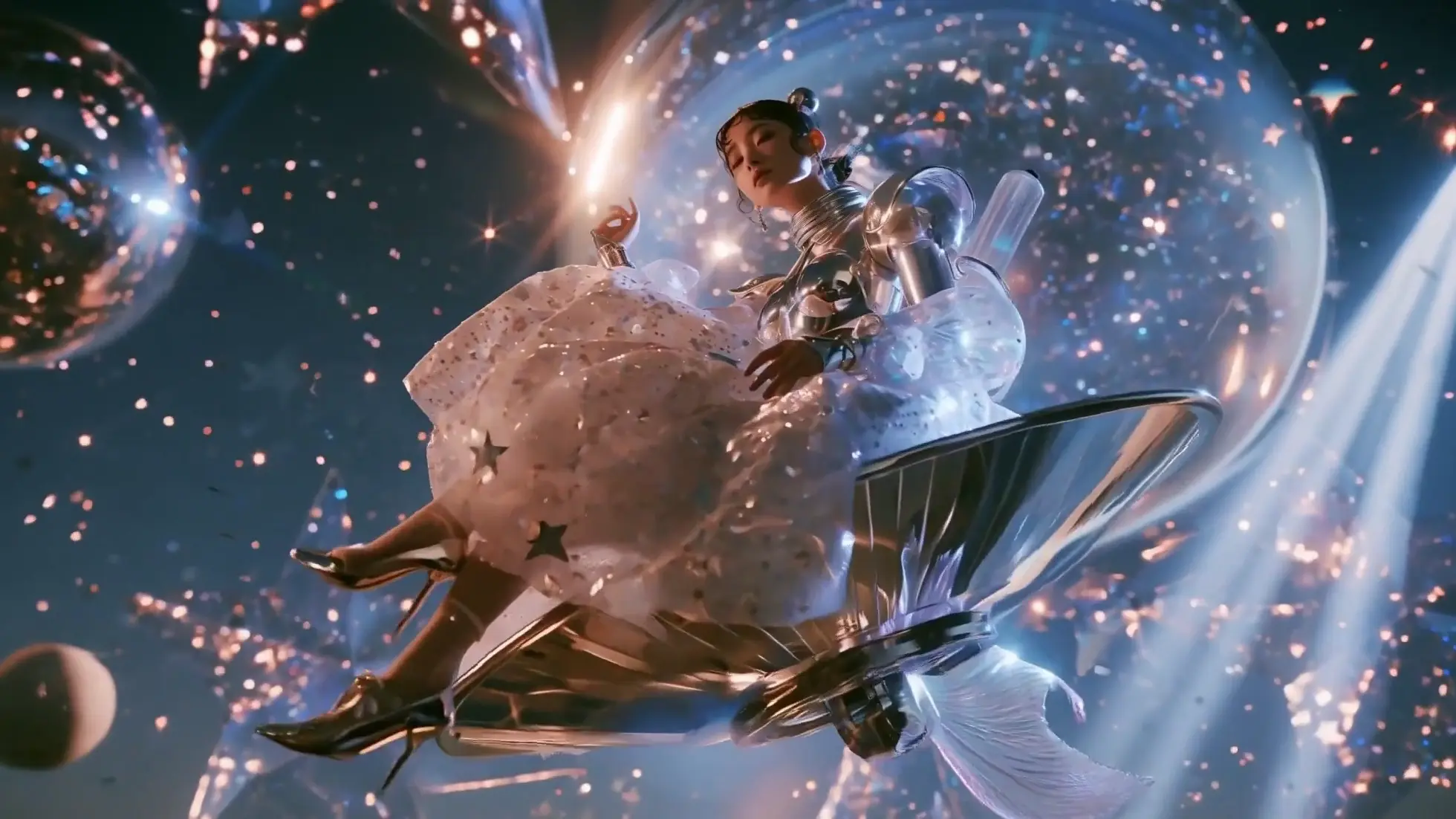
Create dreamlike, gravity-defying performances and polished visual sequences for concept films, title worlds, and imaginative campaigns.
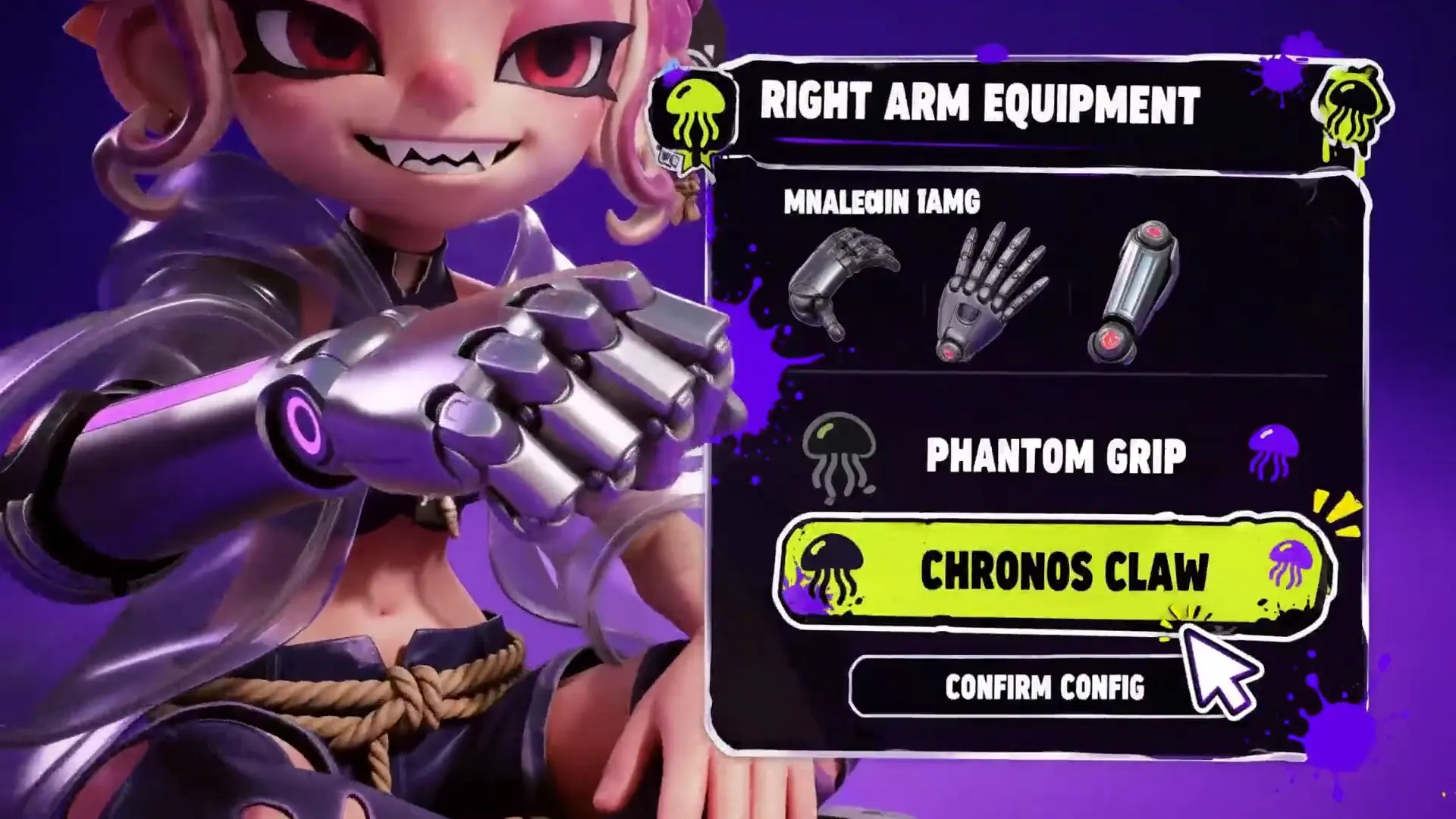
Build stylized character reveals, gameplay-inspired movement, UI motion, and world-building shots for game campaigns.
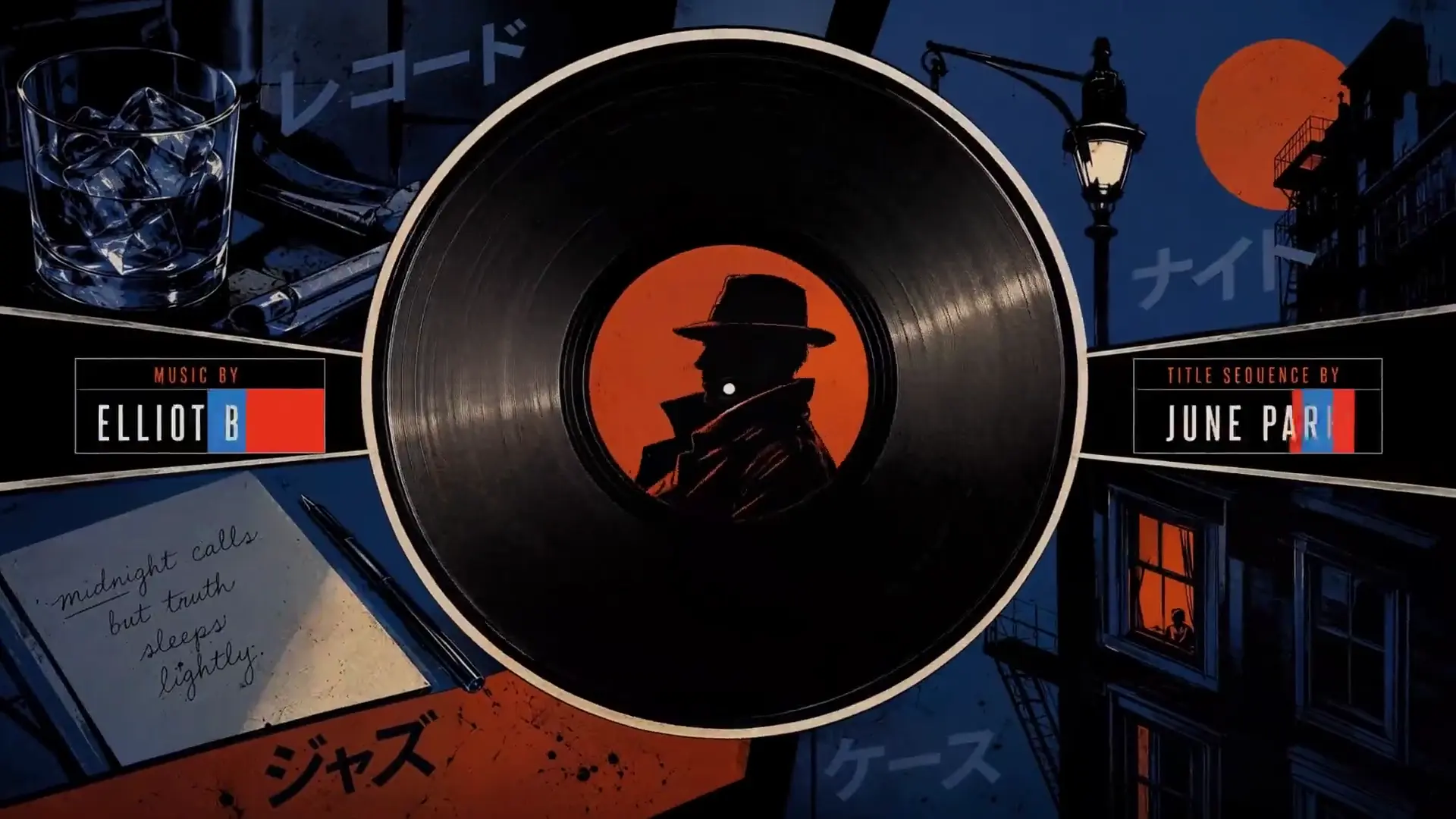
Use voice, music, effects, performance, and editing-rhythm references to shape short audiovisual concepts for a release.
Three-Step Workflow
Choose the context, describe how it should shape the result, then generate a 2K audiovisual clip. For a detailed walkthrough, see the How to Use MiniMax H3 guide.
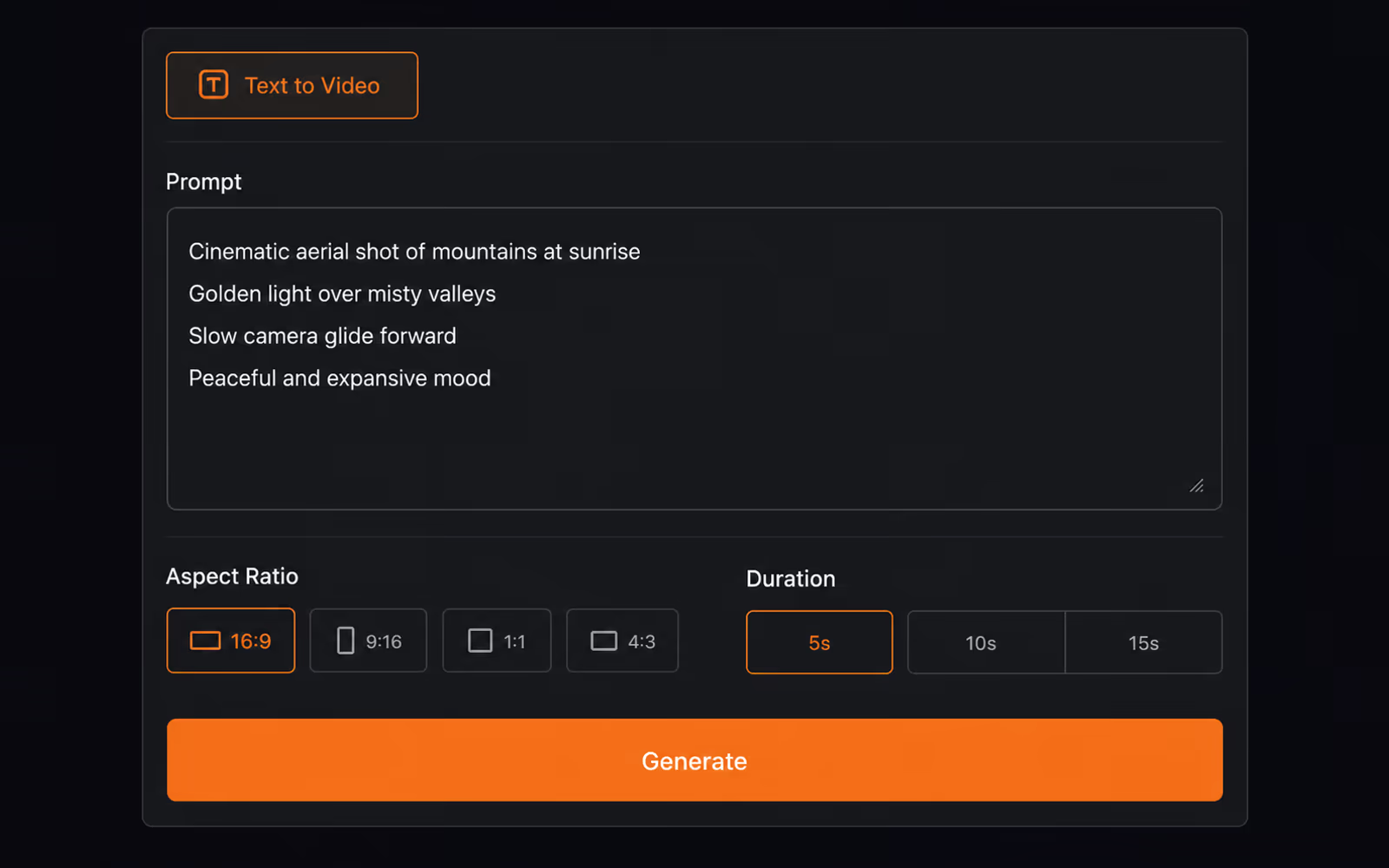
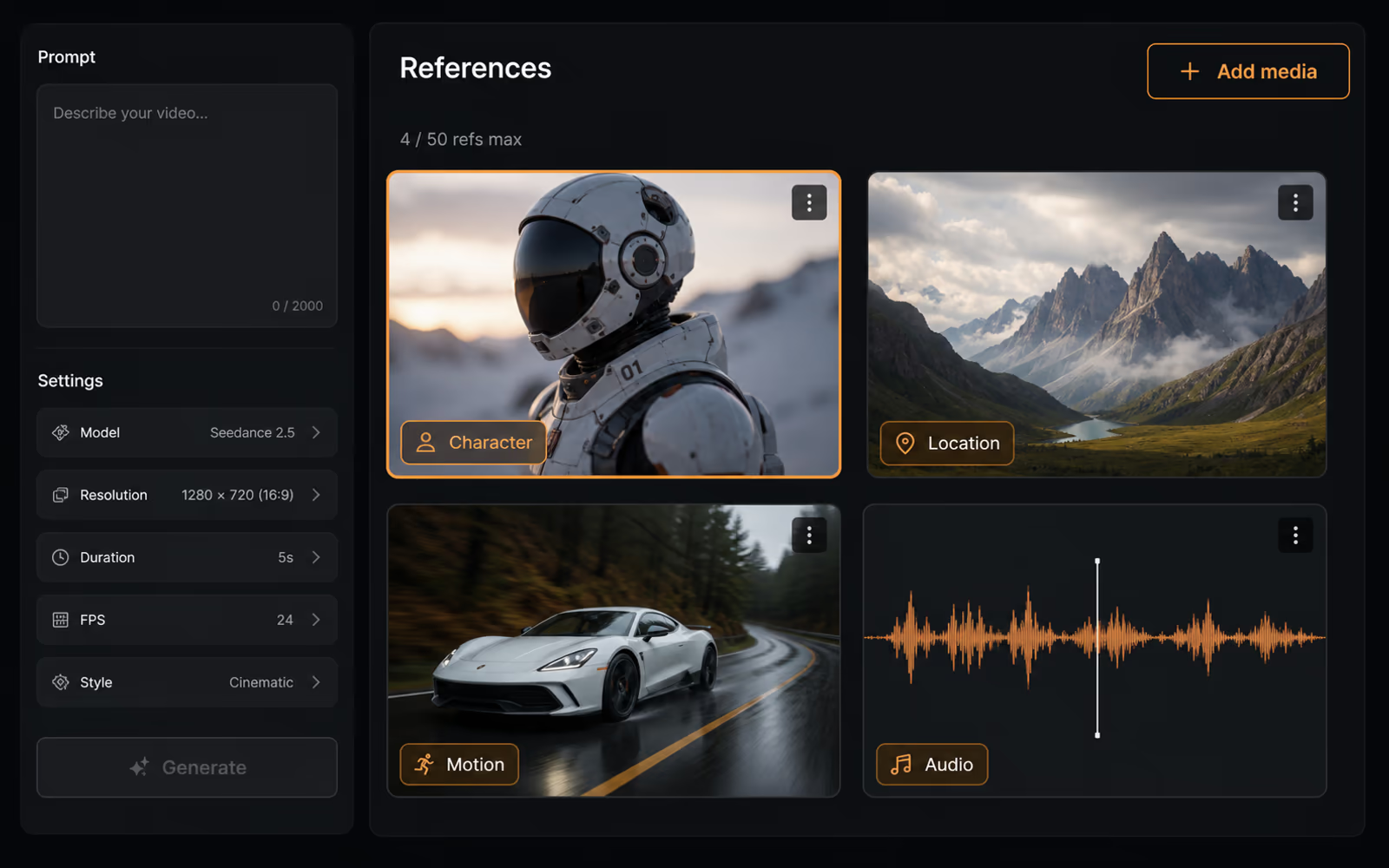
State what must remain consistent, what should change, and how the camera and sound should develop. Choose a 4–15 second duration and the ratio available for the selected generation mode.
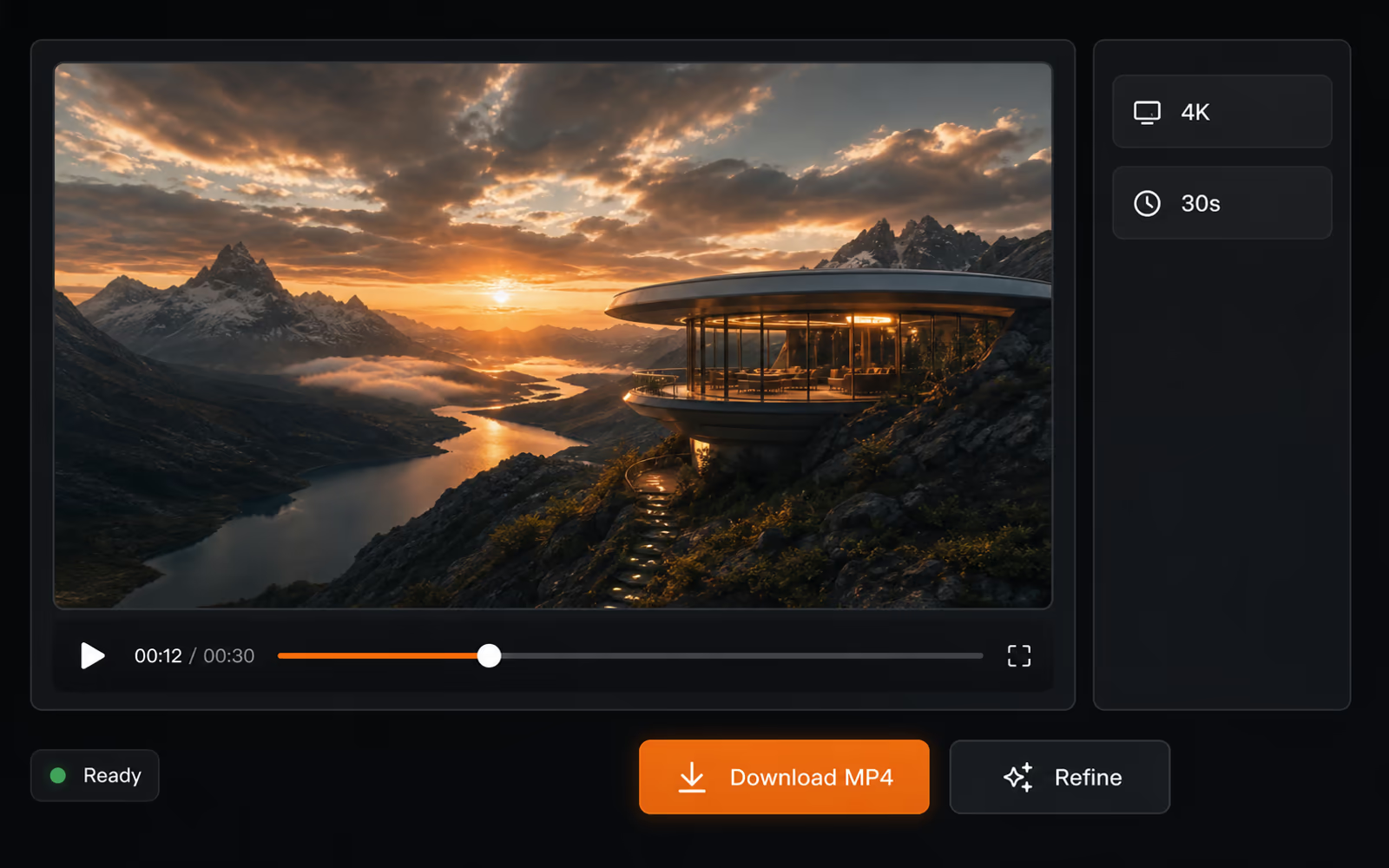
Submit the task and monitor its status. Review the 2K result, refine the instructions or references when needed, then download the MP4 for publishing or further production work.
Model Comparison
Both models combine multimodal references, multi-shot video, and stereo sound. The practical difference is where each model places its strongest emphasis. See the full MiniMax H3 vs Seedance 2.0 comparison for a deeper workflow breakdown.
Comparison based on official MiniMax and ByteDance documentation. Resolution and controls can vary by access platform.
| Capability | MiniMax H3 | Seedance 2.0 |
|---|---|---|
| Model focus | General-purpose multimodal generation and natural-language editing | Unified audiovisual generation with an emphasis on complex motion and interaction |
| Maximum duration | 4–15 seconds per generation | Up to 15 seconds per generation |
| Resolution | 768P and 2K available in this generator | Platform-dependent; the official launch does not state a native resolution |
| Input modalities | Text · image · video · audio | Text · image · video · audio |
| Reference capacity | Up to 9 images · 3 videos · 3 audio clips | Up to 9 images · 3 videos · 3 audio clips |
| Native stereo sound | Core capability — voice, music, effects, and ambience generated with the picture | Dual-channel stereo with aligned voiceover, music, and ambient effects |
| Audio-guided performance | Voice and audio references can guide synchronized audiovisual output | Audio references can shape rhythm and performance when provided |
| Editing and reuse | Instruction-guided multimodal editing plus V2V motion transfer | Targeted clip, character, action, and storyline editing plus video extension |
| Documented strength | 2K detail, text and brand rendering, reference control, and production price-performance | Complex motion, multi-subject interaction, physical plausibility, and continuation |
| Best fit | 2K brand films, advertising, e-commerce, game creative, UI motion, and iterative editing | Action-heavy scenes, character interaction, physical motion, and extending an existing sequence |
Bottom line. Pick MiniMax H3 for native audio, 2K output, and multimodal editing. Pick Seedance 2.0 for complex motion and video extension. See the full comparison for detail.
Pricing
Start with available credits, then choose the one-time pack that fits your production volume. See full pricing details and credit packs
FAQ
Detailed answers about generation modes, native audio, 2K output, reference limits, aspect ratios, editing, and processing before you create a video.
MiniMax H3 is a general-purpose multimodal AI video model that generates picture and native stereo sound together. You can create from a text prompt, animate an opening or ending frame, or combine image, video, and audio references to guide the subject, motion, camera, voice, style, and editing rhythm. See Text to Video, Image to Video and Reference to Video.
Yes. MiniMax H3 can generate dialogue, voice, music, sound effects, and ambience as part of the same audiovisual result instead of adding an unrelated soundtrack afterward. Describe the sound in the prompt or add supported references when you need clearer direction for voice, performance, timing, or mood.
The browser generator supports 768P and 2K output with durations from 4 to 15 seconds. The available aspect ratio and sizing behavior depend on whether you start from text, a frame, or a multimodal reference set, so choose the input mode before setting the final output.
Yes. A reference-to-video request can combine images, video, and audio in one creative context, with up to 12 files in total. State what each reference should control, such as character identity, product appearance, camera movement, voice, visual style, or rhythm; an audio reference must be paired with at least one image or video reference.
You can add up to 9 images, 3 videos, and 3 audio clips while staying within the 12-file total limit. Video and audio references allow up to 15 seconds per media type. Use only references with a clear purpose, because overlapping or contradictory direction can make the intended subject, movement, or style less clear.
Yes. Add an opening frame, an ending frame, or both, then describe the action, transformation, camera movement, and sound that should connect them. The supplied frame controls the composition and output ratio, making this mode useful for reveals, transitions, film openings, and planned visual story beats.
Text-to-video supports six fixed aspect ratios ranging from cinematic 21:9 to vertical 9:16. Frame-guided generation follows the supplied image ratio, while reference-to-video also supports adaptive sizing. Choose the ratio around the final destination, such as widescreen film, square social content, or vertical short-form video.
Yes. Add an existing clip as a video reference and explain which elements should remain consistent and which should change, including motion, character, scene, camera behavior, sound, timing, or pacing. This is instruction-guided generation rather than a frame-by-frame timeline editor, so focused directions work better than a long list of conflicting edits.
Audio references can guide voice, dialogue, timing, and performance, and prompts can direct how speech belongs in the scene. This browser generator does not advertise a separate one-click voice-cloning feature. For stronger audiovisual direction, use a clear reference and describe the speaker, delivery, action, and camera in the same brief.
Generation time varies with the selected output, request complexity, and current service load, so the site does not promise one fixed completion time. After you submit a task, the generator displays its processing status. Keep the page open until the result is ready, then review, refine, or download the generated MP4.
Get Started
Generate 4–15 second 2K audiovisual video from text, frames, and multimodal image, video, and audio references.